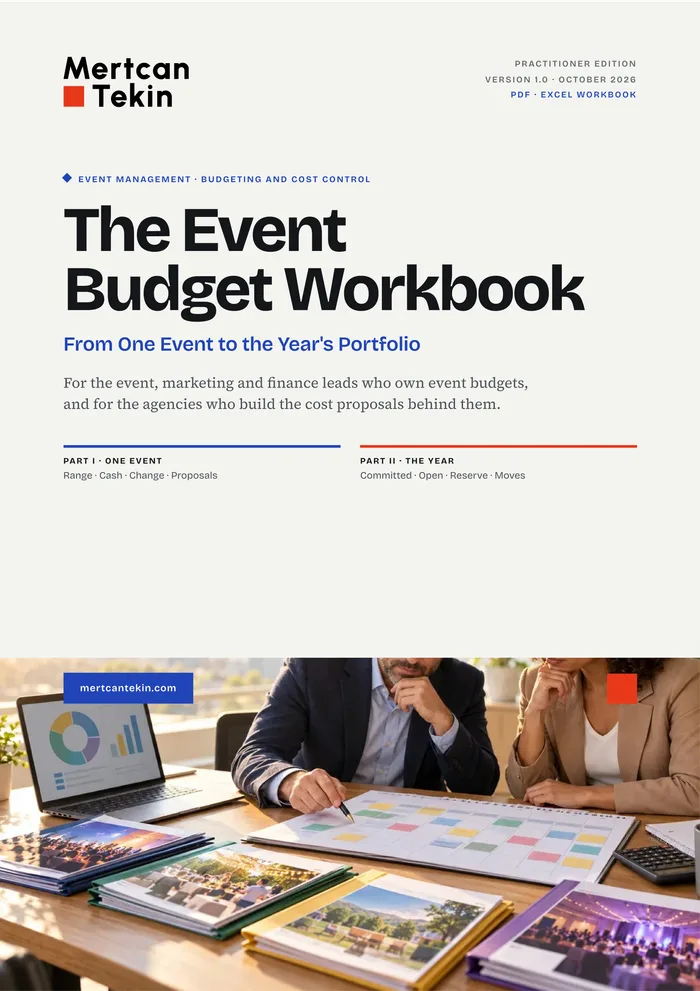
The Event Budget Workbook
The lines everyone forgets, budget ranges instead of single figures, contingency with rules, cash timing and cancellation exposure, cost per qualified outcome, reading agency proposals line by line, and the year view of committed, habitual and open money.
What is inside
Part I · One event
Six failures that cost the most, the lines everyone forgets, ranges instead of points, contingency rules, cash timing and cancellation exposure, cost per outcome, change control and agency proposals line by line.
Part II · The year
Committed, recurring by habit and open money, a reserve with written rules, moving money during the year, an illustrative year view and the budgeting calendar.
The workbook
Nine sheets: Event Budget, Cashflow, Cancellation, Unit Costs, Versions, Proposals, Year View, Reserve and Moves, and Start Here.
Why a budget is treated as a set of decisions
Most event budgets are built to win an approval meeting and then rebuilt quietly over the following months. The guide treats the budget as a working instrument: a range for every line, a status, a cash calendar, a version history and, at the level of the year, a clear view of which money can still move.
It is written for the people who own budgets and for the agencies whose proposals have to fit inside them, because the same lines are argued over from both sides.
The thinking behind it is in the article What Should Be Included in an Event Budget.
Who the template is for
The workbook is for in house event managers, association and corporate teams, and agencies who build, defend and track event budgets. It works for a single event and for a full year of events managed from one budget line.
Finance colleagues can use it too, because it makes contingency, currency exposure, payment timing and cancellation terms visible in one place.
How to use it, step by step
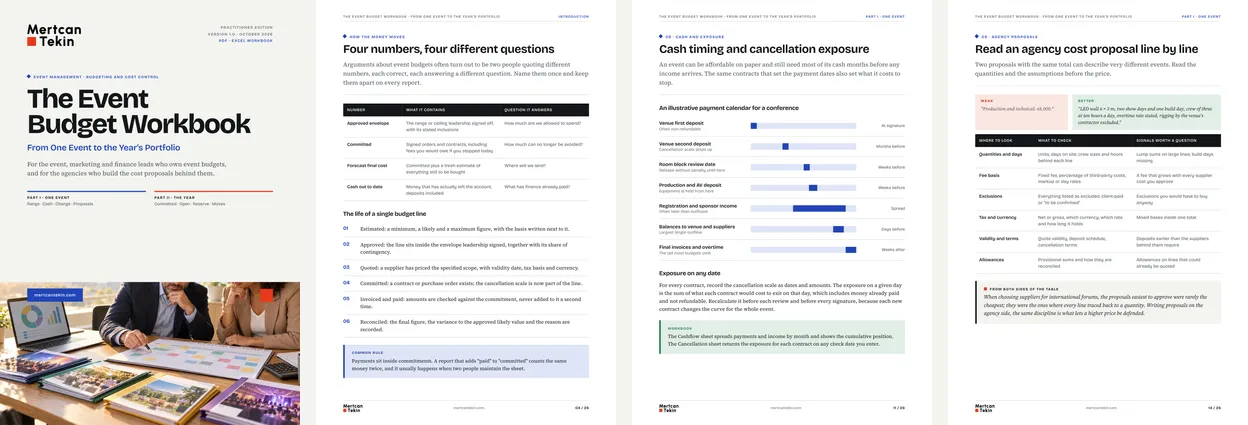
- Start with the Event Budget sheet. Enter each line with a minimum, a likely and a maximum figure, mark whether it is included, and give it an owner and a status.
- Set contingency on included lines only, and keep tax and currency on one basis, flagging the lines exposed to exchange rates.
- Enter payment dates from the contracts in Cashflow, and up to three cancellation steps per contract in Cancellation to see your exposure on any date.
- Use Unit Costs to see cost per participant and per outcome, with a shadow column for people paid from other budgets.
- Compare up to four agency proposals on the same lines in Proposals, record every revision in Versions, and manage the year in Year View and Reserve and Moves.
Yellow cells are inputs and everything else is calculated. Keep one workbook per event and one for the year, and save a dated version whenever the budget is presented, so the change log explains every movement between versions.
The guide moves from a single event to the year's portfolio: committed, recurring and open money, exit dates for contracts, reserve releases and transfers between events. It also shows how to compare agency proposals on the same lines, so a low fee and a missing line are easy to tell apart.
Common mistakes it helps you avoid
- A single number is approved. Present a range with its drivers.
- Contingency absorbs costs that were already known.
- Tax and currency bases are mixed in one total.
- People paid from other budgets stay invisible. Add a shadow column.
- Cash timing is ignored. Build a payment calendar from the contracts.
- Cancellation exposure is unknown. Record each contract's cancellation scale.
Each of these six failures has its own page in the guide, linked to the sheet that addresses it.
Questions about the template
Is the template free, and what do I receive?
Yes. Enter your work email, confirm the address from the email that follows, and the download page opens with the PDF guide and the Excel workbook. You will also receive new articles and templates about once a month, and you can unsubscribe at any time from any of those emails.
Where is the Excel workbook?
The Excel workbook is attached inside the PDF guide. Open the attachments panel, shown as a paperclip icon in Acrobat, Preview or Edge, and save it to your computer. If your reader has no attachments panel, the same file is offered separately on the download page after you confirm your email.
Can I use one workbook for several events?
The guide recommends one workbook per event and one for the year. The Year View sheet lists events by job with committed, recurring and open money, exit dates and moves, while Reserve and Moves tracks releases and transfers between events and the reserve that remains.
How does the workbook compare agency proposals?
The Proposals sheet places up to four agencies on the same budget lines. It normalizes the offers, shows each agency's fee share, flags outliers and ranks the proposals, so you compare like with like before you evaluate the concept and the operational answers.
Is the workbook accounting or tax advice?
No. It is a practitioner framework. Your organization's finance policies, procurement rules and contract terms come first, and the guide shows how to make them visible inside the event budget. Check tax treatment and contract questions with your finance team or adviser.