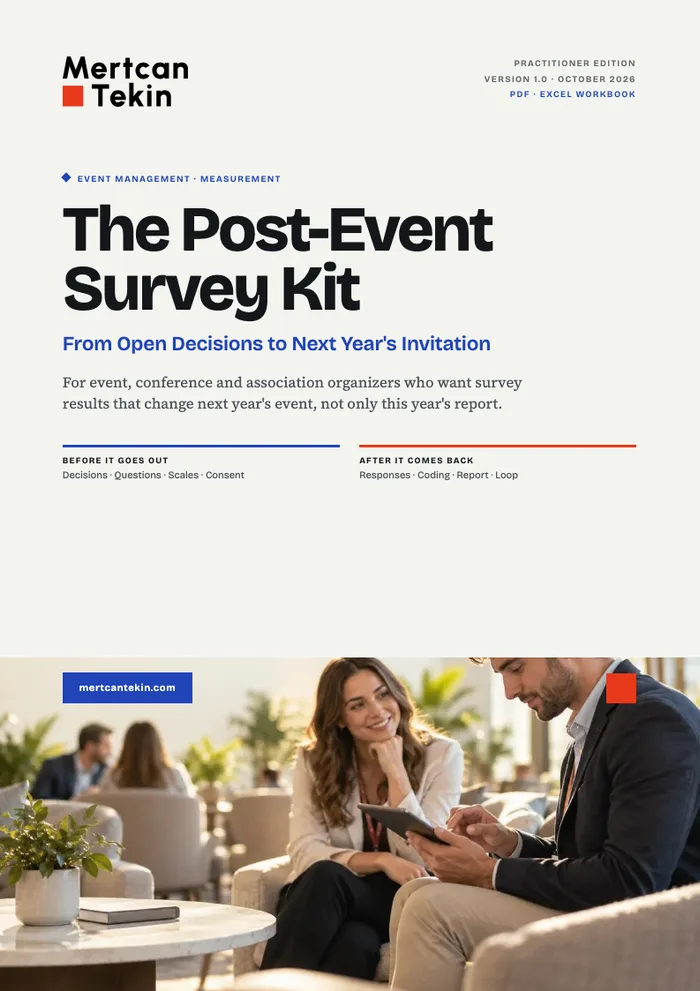
The Post-Event Survey Kit
Starting from open decisions, a question bank for attendees, speakers, sponsors, exhibitors, staff, employees and residents, answer scales and their traps, wording fixes, timing by event format, honest consent labels, response targets, denominators, coding open answers, a one-page report and the "you said, we changed" loop.
What is inside
Part I · Design the survey
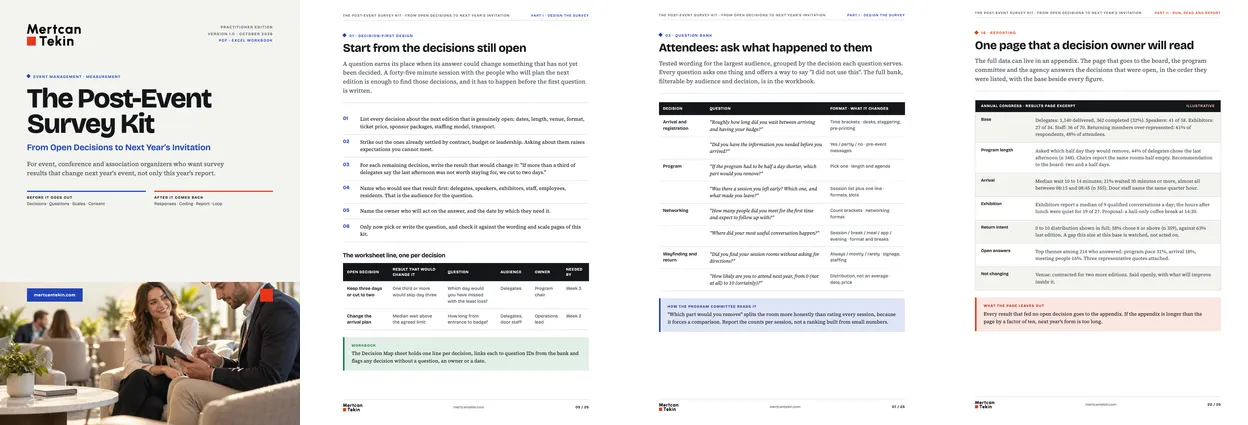
Decision-first design, an illustrative decision map, question banks for every audience, answer scales, wording fixes, and length, order and pretesting.
Part II · Run, read and report
Timing and channel by event format, a send sequence, consent and anonymity, response targets, denominators, coding open answers, the one-page report and closing the loop.
The workbook
Nine sheets: Start Here, Decision Map, Question Bank, Survey Builder, Distribution Plan, Response Tracker, Open Answer Coding, Results Summary and Change Log.
Why the survey starts before the event
Most post-event forms are copied from last year, sent as guests leave and read once. The kit starts from the decisions still open for the next edition, gives each audience its own short form, and ends with a report and a change log that someone will actually use.
It is written for event, conference and association organizers, corporate event teams and the agencies who run surveys on their behalf.
The thinking behind it is in the article Post-Event Survey Examples: Six Short Forms for Six Different Rooms.
Who the template is for
The kit is for event, conference and association organizers who want survey results that change the next edition. It covers the people who saw the event from different angles: delegates, speakers and chairs, sponsors and exhibitors, staff and temporary teams, and residents and visitors around public events.
It is a practitioner kit. For consent and data protection, it lists the questions to put to your data protection lead.
How to use it, step by step
- Start with the Decision Map: list the decisions still open for next year, the result that would change each one, its owner and its date.
- Pick tested questions by ID from the Question Bank, filtered by audience and decision. The Survey Builder totals the answering time and flags it against your limit.
- Plan the send in Distribution Plan: audience, channel, sender, send date, reminders and close date.
- Follow invited, delivered and completed counts in Response Tracker, and code open answers into themes in Open Answer Coding.
- Report counts and n beside every figure in Results Summary, then publish what changed in the Change Log, where participants will see it.
Yellow cells are inputs and everything else is calculated; the sheets follow the order of the kit. Keep one workbook per edition and copy the Question Bank and the codebook forward, because comparable questions and stable codes make the second year's results readable against the first.
The kit also covers choosing the scale before writing the question, wording fixes with before and after examples, length, order and a pretest, response targets, denominators and sample size, and a one page results report that someone will read.
Its question banks are written for four groups: attendees; speakers, sponsors and exhibitors; staff and employees; and residents and visitors. The kit also covers consent and anonymity, coding open answers into themes, and a closing note that tells participants what changed because of what they said.
Common mistakes it helps you avoid
- The survey is written after the event and asks about everything.
- One form goes to every audience, so speakers and exhibitors skip half of it.
- Questions ask for verdicts, and polite guests give the host high marks.
- Results travel without a denominator.
- The survey is called anonymous while the link carries a registration ID.
- Findings have no owner, and the next invitation repeats last year's program.
The kit suggests opening last year's form and report, marking which of these six patterns they show, and fixing those first.
Questions about the template
Is the template free, and what do I receive?
Yes. Enter your work email, confirm the address from the email that follows, and the download page opens with the PDF guide and the Excel workbook. You will also receive new articles and templates about once a month, and you can unsubscribe at any time from any of those emails.
Where is the Excel workbook?
The Excel workbook is attached inside the PDF guide. Open the attachments panel, shown as a paperclip icon in Acrobat, Preview or Edge, and save it to your computer. If your reader has no attachments panel, the same file is offered separately on the download page after you confirm your email.
When should I write the post event survey?
The kit recommends drafting it alongside the run of show, starting from the decisions next year's team will face. A form assembled after the doors close tends to ask about everything. Writing it earlier lets you link each question to a decision, an owner and a date.
Should I use one survey for all audiences?
The kit recommends a short, separate form for each audience that saw a different event. Speakers, sponsors, exhibitors and staff experienced the event from other positions, and a single form makes them skip questions or answer ones never meant for them. The question bank is organized by audience.
Is the survey anonymous?
Only if it truly is. The kit asks you to use the label that is accurate: anonymous, confidential or identified. A link that carries a registration ID is identified, and respondents who notice become less candid. Data protection rules differ by country, so check consent with your data protection lead.