The Meetings Destination Scorecard
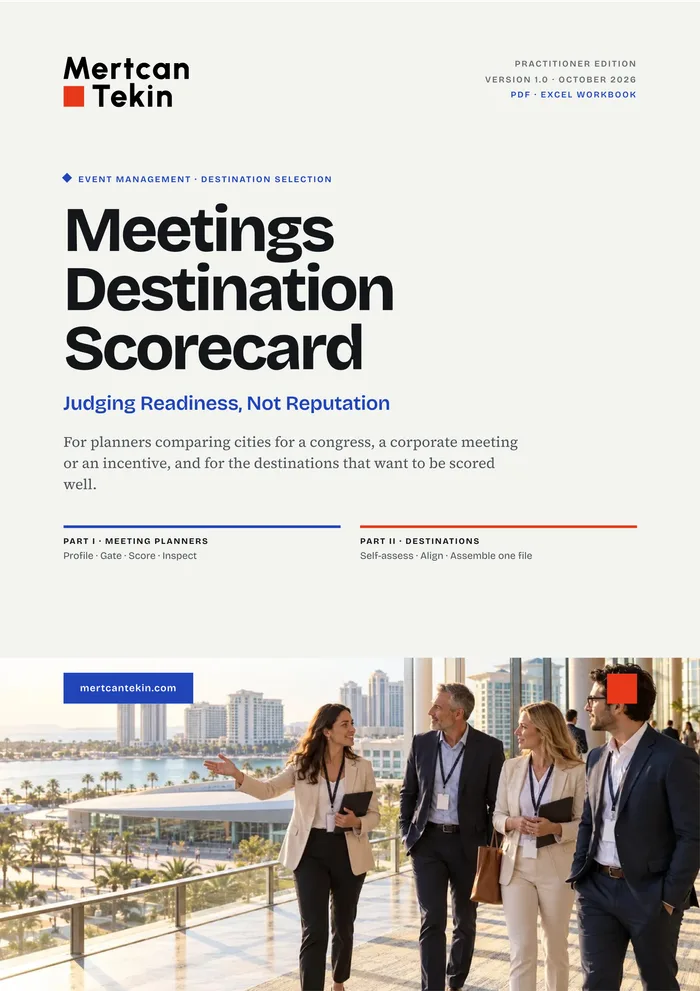
Must-pass gates, eleven weighted criteria by meeting type, what a 1, a 3 and a 5 look like, the documents to request, the site inspection, red flags, and for destinations, how to present one ready file instead of ten.
What is inside
Part I · For planners
The meeting profile, must-pass gates, air access and distances, the room block contract, supplier depth, support and sustainability, cost and safety, weights by meeting type, scoring anchors, evidence, inspection and red flags.
Part II · For destinations
Seeing your city the way it is scored, one team behind the file, one bid file instead of ten, from enquiry to decision, and a checklist before the file goes out.
The workbook
Eight sheets: Meeting Profile, Criteria and Weights, Scorecard with gates and ranks, Evidence Requests, Site Inspection, Readiness Self-Check, Bid File and Start Here.
Why readiness, not reputation
Fame gets a city onto the shortlist. What gets it chosen, and chosen again, is whether it can carry a group: flights on the actual dates, minutes between hotel and hall at the real hour, room blocks held honestly and suppliers who deliver. The scorecard turns that judgment into criteria, weights and evidence.
Part I is for planners comparing destinations; Part II turns the same scorecard around for bureaus, hotels, venues and DMCs who want to be scored well.
The thinking behind it is in the article What Does a Convention Bureau Do?.
Who the template is for
Part I is for meeting planners, association committees, PCOs and corporate teams comparing cities for a congress, a conference or an incentive. Part II is for convention bureaus, hotels, venues and DMCs that want their destination to arrive as one ready file.
The weights and examples are starting points to adapt; the scorecard supports a committee's judgment and keeps the evidence behind every score.
How to use it, step by step
- Describe the meeting in Meeting Profile: type, dates, peak numbers, origin markets and budget ceiling. The meeting type selects default weights.
- Review the eleven criteria and their anchors for 1 and 5 in Criteria and Weights, adjust the weights if needed, and check that they add up to 100 percent.
- Score up to four destinations in Scorecard. Any destination that fails one of the five gates stops there, whatever its weighted total.
- Request documents through Evidence Requests and record how each one changes a score.
- Inspect at the hour the meeting happens, using the twenty checks in Site Inspection. Destinations can run the Readiness Self Check and track their Bid File on the same criteria.
Planners and destinations use different sheets over the same eleven criteria, so a bid can be read the way it will be scored. Keep the dated evidence behind every score, so the decision can be explained to a board or a membership.
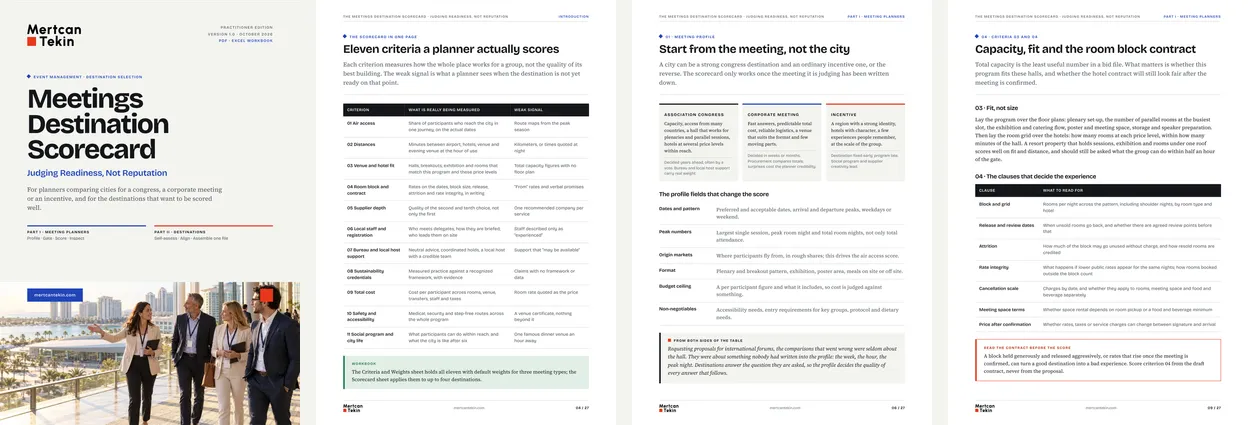
The guide starts from the meeting and only then turns to the city. It explains why some requirements are pass or fail, why documents carry more weight than descriptions, and why an inspection should take place at the hour the meeting happens. An illustrative comparison of three cities for one congress shows the method end to end.
The workbook holds weights by meeting type, a scorecard for up to four destinations with gates and ranks, evidence and inspection trackers, a readiness self check and a bid file checklist.
Common mistakes it helps you avoid
- Rates quoted without dates.
- An option nobody will rank, added to make a shortlist look complete.
- Names that change between the proposal and the contract.
- Every road leads to the same two hotels.
- Support that may be available, with no commitment in writing.
- Travel times quoted off peak.
The guide lists these as red flags that should pause a decision until the destination answers them with documents.
Questions about the template
Is the template free, and what do I receive?
Yes. Enter your work email, confirm the address from the email that follows, and the download page opens with the PDF guide and the Excel workbook. You will also receive new articles and templates about once a month, and you can unsubscribe at any time from any of those emails.
Where is the Excel workbook?
The Excel workbook is attached inside the PDF guide. Open the attachments panel, shown as a paperclip icon in Acrobat, Preview or Edge, and save it to your computer. If your reader has no attachments panel, the same file is offered separately on the download page after you confirm your email.
How many destinations can I compare?
The Scorecard sheet compares up to four destinations at once. For each one it records the five gates and eleven criterion scores, then calculates the weighted total, the gate status and a rank. Evidence Requests and Site Inspection use the same destinations, so the file stays consistent.
What is the difference between a gate and a criterion?
A gate is pass or fail: if a destination cannot meet it, the weighted score does not matter. Criteria are scored from 1 to 5 against written anchors and weighted by meeting type. The guide explains why some requirements belong in the first group.
Can a convention bureau use this template?
Yes. Part II and the Readiness Self Check sheet are written for bureaus, hotels, venues and DMCs. A destination scores itself for one meeting type on the same eleven criteria, ranks its weighted gaps by priority, and tracks each section of its bid file with an owner and a due date.